Testing a Wazuh rule end to end without waiting for an attack
Prove the pipe before you trust a rule, remember that Wazuh does not listen for syslog by default, read the archives log before the alerts log, and always test the negative case. Most of the time lost onboarding a log source goes on not knowing which half of the chain is broken.
From zero to a firing rule
This is the walkthrough I wish I had when I started onboarding log sources into Wazuh. It uses LogGen to put records on the wire, but the method is the same whatever you use to generate them.
Step one: get LogGen running
It is a single static binary with no runtime dependencies, so there is nothing to install alongside it.
git clone https://github.com/theshahrukh98khan/LogGen
cd LogGen
go build -o loggen .
./loggen
On Windows there is a script that builds and starts it in one step:
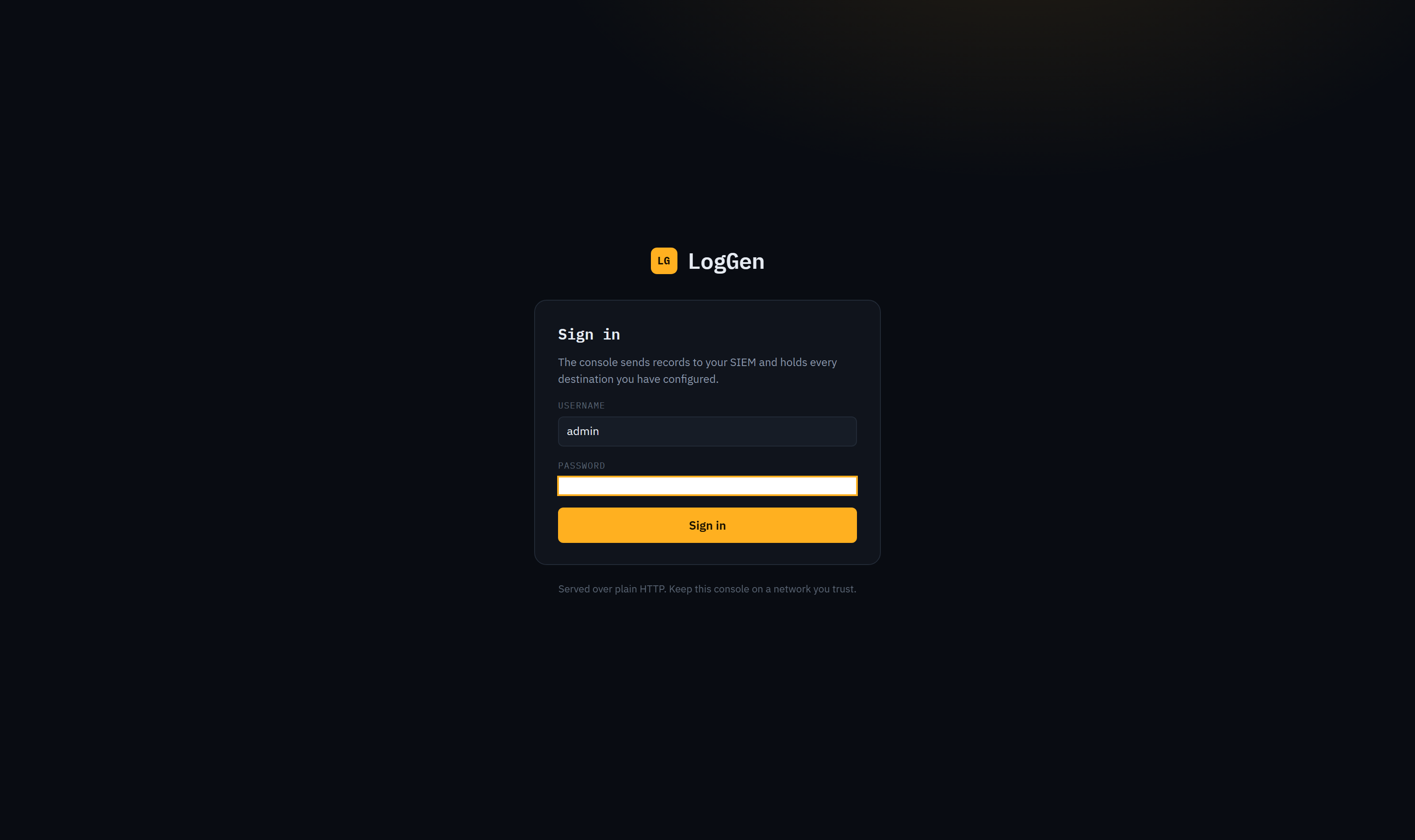
powershell -ExecutionPolicy Bypass -File .\scripts\start.ps1The console signs in with admin and admin on a fresh install and tells you so on the sign in page, in the startup log, and in a red bar across the top that stays until you change it. Change it before you put the console anywhere other than your own machine, because anyone who can reach the port can send records to your SIEM.
Step two: prove the pipe before you trust a rule
This is the step people skip and then lose an afternoon to.
Before you write any rule, confirm that bytes leave LogGen and arrive at Wazuh. LogGen has a syslog receiver built into the same binary for exactly this, so you can check the sending half in isolation:
./loggen -sink :5514Point a destination at it, send a record, and watch it land. If it does not arrive locally, the problem is LogGen or your destination configuration and not Wazuh. Once that works, point the destination at your real manager.
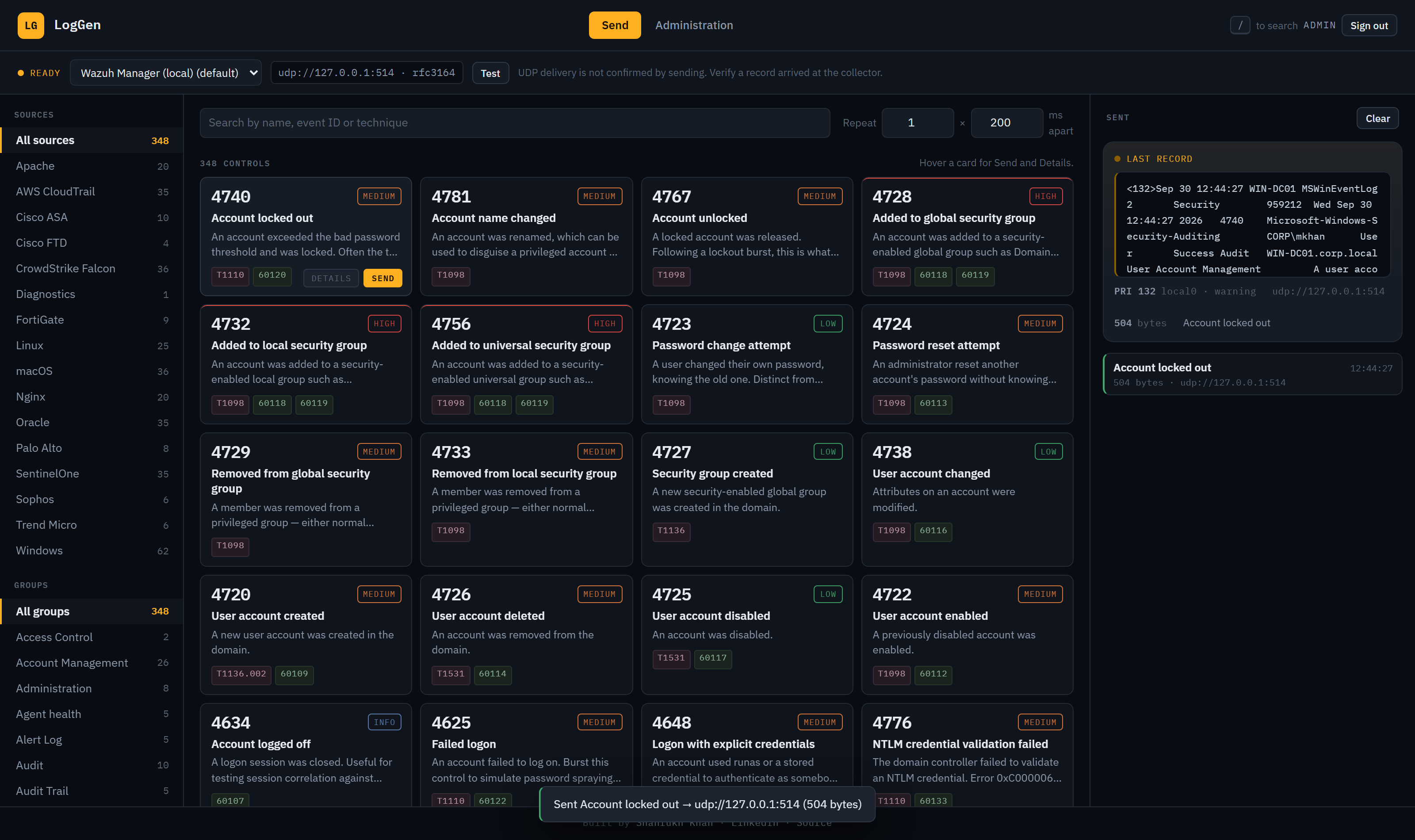
One thing worth knowing about UDP. A UDP socket opens whether or not anything is listening at the other end, so a successful send proves nothing about delivery. LogGen says this rather than showing a green light that means nothing. If you want the send to actually confirm, use TCP.
If the connection fails, the console distinguishes a refusal from a timeout, because they are faults on different machines. A refusal means packets reached the host and nothing was bound to that port, so your collector is not listening. A timeout means nothing came back at all, so something in between is dropping it.
Step three: make sure Wazuh is actually listening
Wazuh does not listen for syslog by default. A stock install only has the secure agent input on 1514. If you point LogGen at port 514 and nothing arrives, this is usually why.
Add a remote input to /var/ossec/etc/ossec.conf:
<remote>
  <connection>syslog</connection>
  <port>514</port>
  <protocol>tcp</protocol>
  <allowed-ips>10.20.30.0/24</allowed-ips>
</remote>
Then restart the manager and confirm with ss -tlnp | grep 514.
Set allowed-ips to the network your generator is actually on. Leaving it at 0.0.0.0/0 on anything internet facing means anyone can inject records into your SIEM, which is a considerably worse problem than the one you were trying to solve.
Step four: send one record and read it
Pick a control and send a single record before you send a hundred. Read the bytes LogGen shows you against what you expected. The console shows the exact line it put on the wire, the decoded priority, and the byte count.
Then check the manager. Archives first, alerts second:
tail -f /var/ossec/logs/archives/archives.log
tail -f /var/ossec/logs/alerts/alerts.log
This ordering matters for diagnosis. If the record appears in archives but not alerts, it arrived and was decoded but no rule matched, so the problem is your rule. If it appears in neither, it did not arrive or was not decoded, so the problem is the input or the decoder. Two different afternoons of work, and the archives log tells you which one you are having.
Step five: now write the rule
With a record you can reproduce on demand, rule writing becomes a tight loop. Change the rule, restart the manager, click send, check alerts. Seconds rather than days.
Use the logtest tool for the fastest inner loop, pasting the exact line LogGen shows you:
/var/ossec/bin/wazuh-logtestIt tells you which decoder matched, which fields it extracted and which rule fired, without restarting anything.
Step six: test the negative case
A rule that fires on your test record is half tested. The other half is whether it fires on things it should not.
Send the neighbouring controls. If you wrote a rule for a failed logon, send a successful one and confirm it stays quiet. If you wrote one for a privilege escalation, send an ordinary sudo call. LogGen groups controls by what they mean, so the benign neighbours of any given event are usually sitting next to it in the same group.
This is where a lot of noisy rules come from. Nobody checks the negative case, the rule ships, and it turns out to match half the normal traffic on the estate.
Step seven: correlation and burst
For rules with a frequency or timeframe condition, use the repeat control. Set a count and a gap in milliseconds and LogGen will send that many records spaced out, which is what a brute force or a password spray looks like to a correlation rule.
Because every record refers to the same invented organisation, cross source correlation works too. A failed Windows logon followed by a sudo escalation on the same subnet is something you can produce in two clicks and watch your correlation rule pick up.
A note on the estate
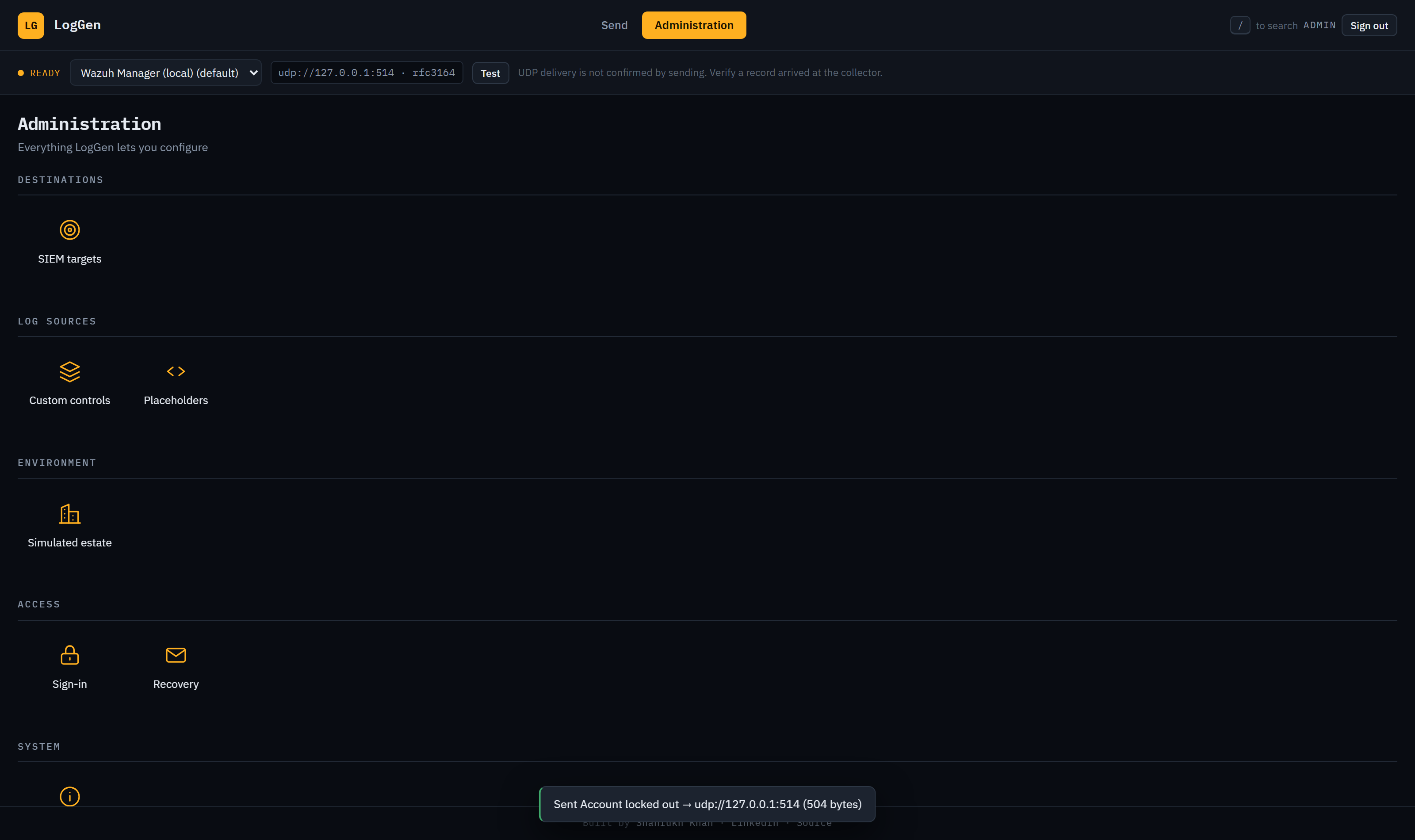
The simulated estate is the set of names every record refers to: the domain, the hosts, the subnet, the firewall serial. You usually do not need to touch it. The defaults are already coherent.
Change it when your rules key on specific hostnames, when you are mirroring a real customer environment for a demo, or when your correlation depends on a particular subnet. Be aware that changing the domain changes every derived SID, so rules you already wrote against specific SIDs will stop matching.
When the catalogue does not have what you need
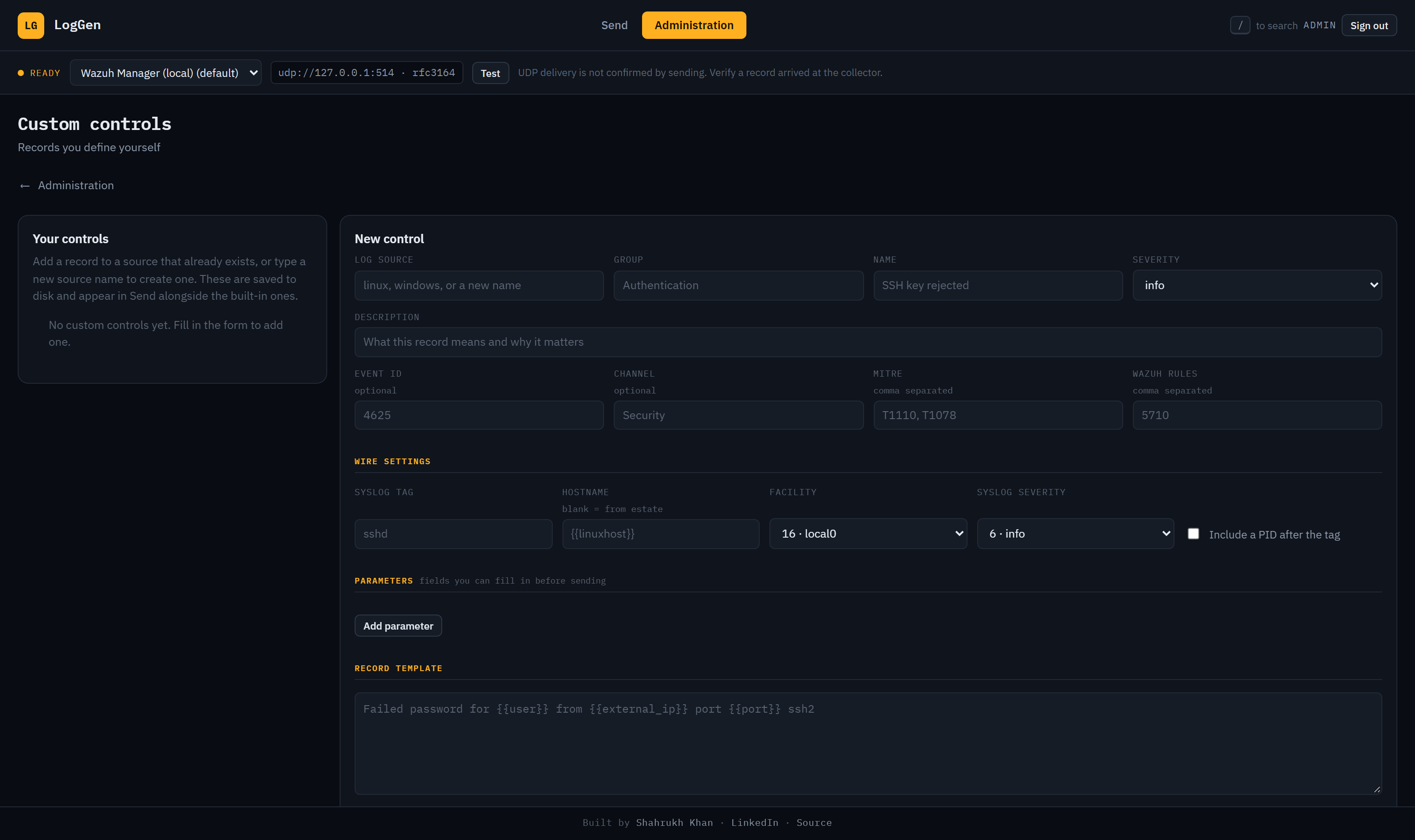
348 controls across 16 sources will not cover a bespoke application. For that, define your own: pick or name a source, write a template with placeholder tokens for users, addresses, timestamps and the rest, declare any parameters you want to fill in at send time, and it appears in the console next to the built in ones.
The habit worth keeping
Prove the pipe, send one record, read the archives log before the alerts log, then write the rule and test the negative case. Most of the time lost in onboarding goes on not knowing which half of the chain is broken, and the first three steps tell you.
LogGen is open source under MIT at github.com/theshahrukh98khan/LogGen. It runs on Windows and Linux, or as a container.
Related posts
- I got tired of waiting for attacks to test my detection rules
You write a Wazuh rule, and then you wait for something to trigger it. Maybe that happens this week. Maybe the rule sits there with a typo in it for two months. LogGen is what I built to close that gap.
- Getting log formats right is the whole job
A detection rule written against a format that does not match the real device passes in the lab and never fires in production. Notes from building 16 log sources: CEF that is not CEF, positional CSV where order is everything, and a published sample that turned out to be hand edited.
- T1047-Windows Management Instrumentation
MITRE ATT&CK Technique: T1047-Windows Management Instrumentation. Detections, visibility, use cases and real world attack insights.